
If you’ve been scrolling through Reddit lately, you’ve probably seen the frustration. A lot of us in the US are dealing with the same headache: Kakobuy customer service taking forever to reply and the dreaded “balance trap” where your refund gets stuck in the platform instead of going back to your PayPal. It’s annoying when you just want your money back to buy a better batch or pay rent.
I’ve spent way too much time navigating these agent hurdles in 2026, so I’ve put together this “survival guide” to help you get your cash out and get your haul moving. If you’re looking for the best links to avoid issues in the first place, definitely check out Kakobuy Spreadsheet Best for vetted finds.
Quick Navigation
The “Balance Trap”: Why Your Refund Isn’t in PayPal
The biggest complaint right now is that when an item is OOS (Out of Stock) or you cancel an order, Kakobuy defaults to putting that money into your Platform Balance. While this is great if you plan on buying something else immediately, it’s a nightmare if you need that cash back in your bank account.
Most US users prefer the “Original Path” refund. The delay usually happens because the system requires a manual review for external withdrawals to prevent fraud. However, “manual review” often feels like “black hole” when the tickets go unanswered for three days.
Speeding Up Kakobuy Customer Service Response
If you are waiting for a reply, don’t just keep opening new tickets. Every time you send a new message, some systems push your “case” to the back of the queue. Instead, try these three tactics that have worked for the community in 2026:
- The Time Zone Trick: Reach out during Beijing working hours (usually starting around 9:00 PM EST). Live chat is much more effective than the ticket system.
- Order IDs First: Never start a chat with “Hi.” Start with: “URGENT: Refund Request for Order #12345678.” It gets filtered to the right department faster.
- Discord Escalation: Often, the community managers on Discord can nudge a support agent if you’ve been ignored for more than 48 hours.
Pro Tip: To avoid needing refunds in the first place, always check a reliable Kakobuy review before buying high-risk items.
Step-by-Step: How to Withdraw to Original Payment
If your money is already in your balance, here is the exact path to get it back to PayPal:
- Go to User Center -> Wallet/Balance.
- Click on Withdraw.
- Select the specific transaction that was originally funded by PayPal.
- Enter the amount and submit. (Note: You can usually only withdraw up to the amount of the original transaction).

Refund Policies: Kakobuy vs. Industry Standards
How does Kakobuy stack up against other agents when it comes to your money? Let’s look at the data for 2026.
| Feature | Kakobuy Performance | User Rating |
|---|---|---|
| Refund to Balance | Instant (1-2 hours) | ⭐⭐⭐⭐⭐ |
| Refund to PayPal | 3-7 Business Days | ⭐⭐ |
| CS Response Time | 12-48 Hours | ⭐⭐⭐ |
| Resolution Rate | High (if persistent) | ⭐⭐⭐⭐ |
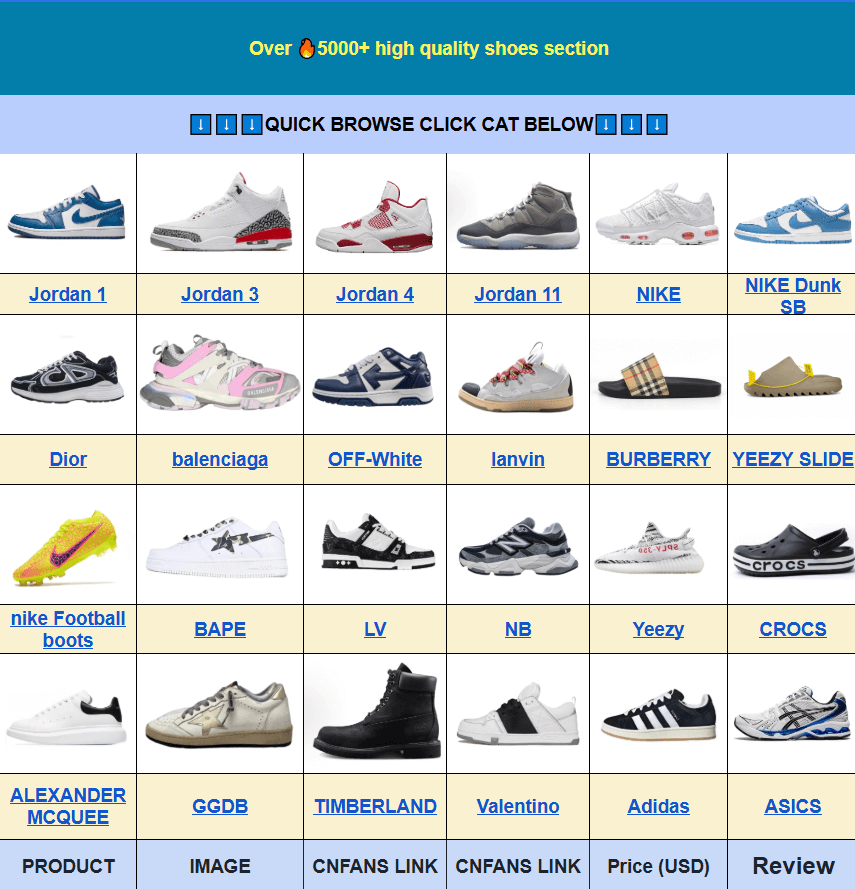
If you’re tired of the clothing side of things and want to pivot to footwear, browsing the Kakobuy Spreadsheet Shoes category can often lead you to sellers with much better stock accuracy, reducing the need for refunds entirely.
Visual Guide: QC and Navigation
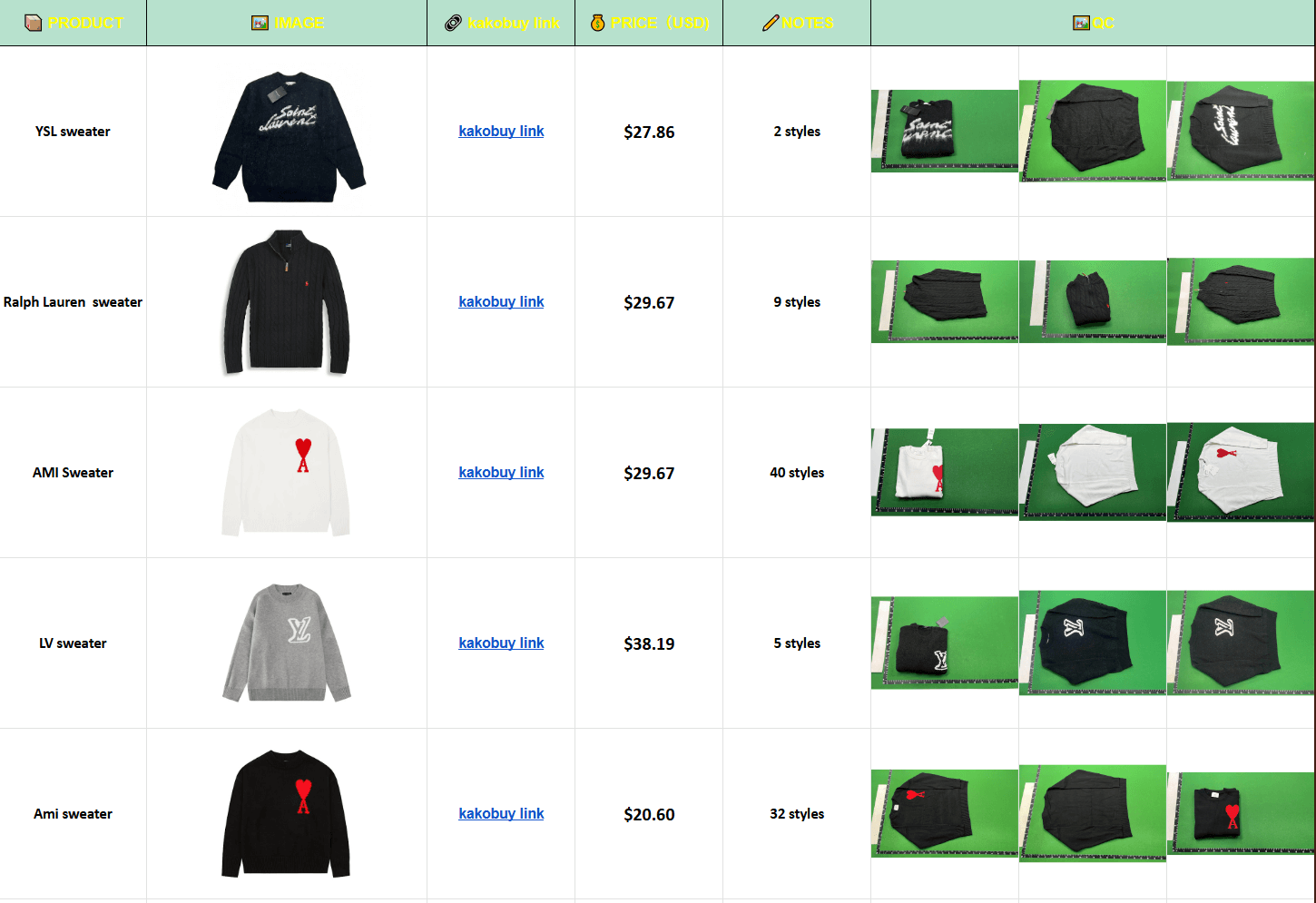
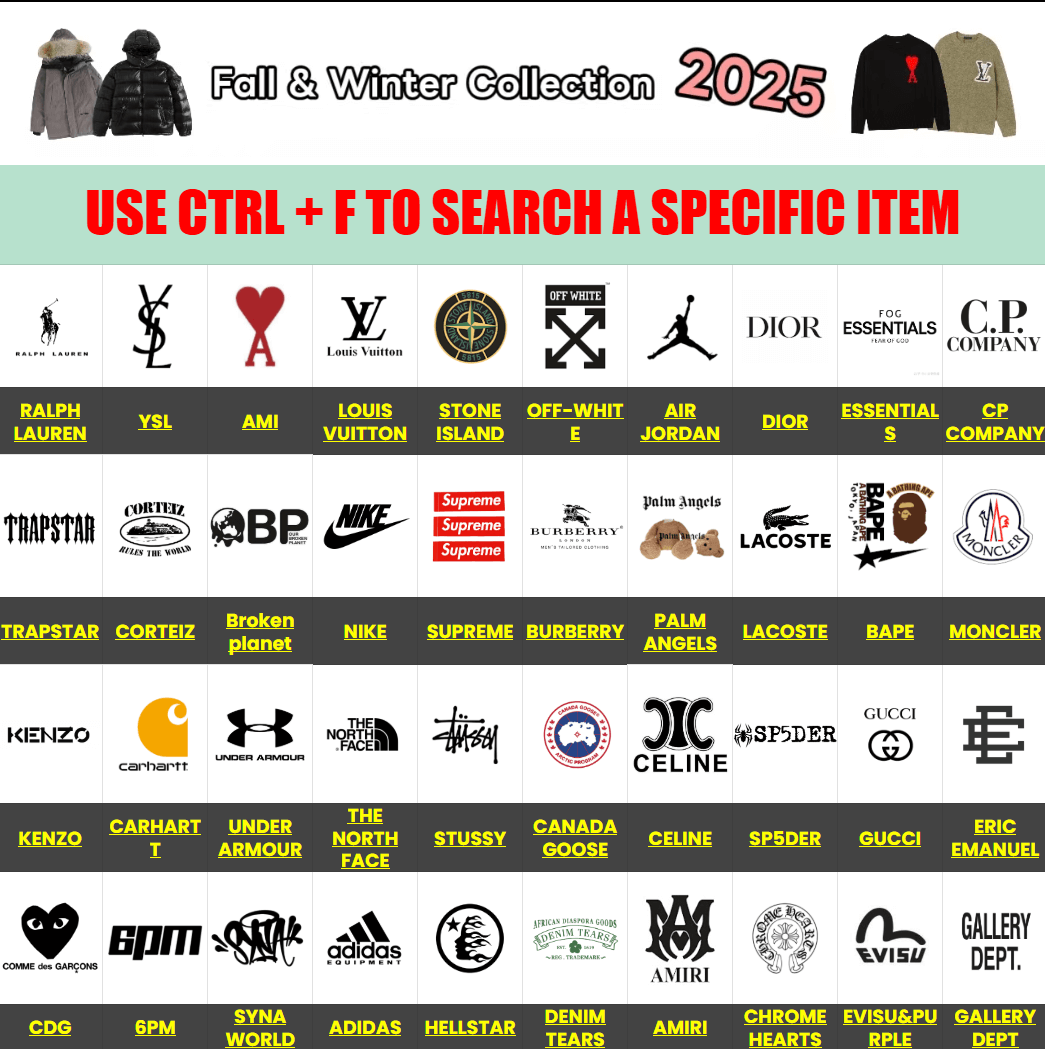
Managing your haul effectively means knowing where to click. Use the navigation guides below to ensure you’re looking at the right QC (Quality Check) photos before shipping. This prevents you from receiving a bad item and having to deal with an international return—which is basically impossible.
Frequently Asked Questions
Bottom line: Stay patient, use the live chat during Beijing hours, and always double-check stock with the agent before paying if you’re in a rush. If you want to see how to maximize your savings while dealing with these quirks, check out my guide on How to Save on Kakobuy Shipping.
Would you like me to help you draft a specific escalation message to send to their support team to get your refund prioritized?